Workflows and automations
Missed-call text-back, appointment reminders, review requests, the AI booking flow — underneath, they’re all the same thing: a workflow. Understand the pattern once and the platform stops being a bag of features and becomes something you can genuinely think in.
The whole concept in one sentence
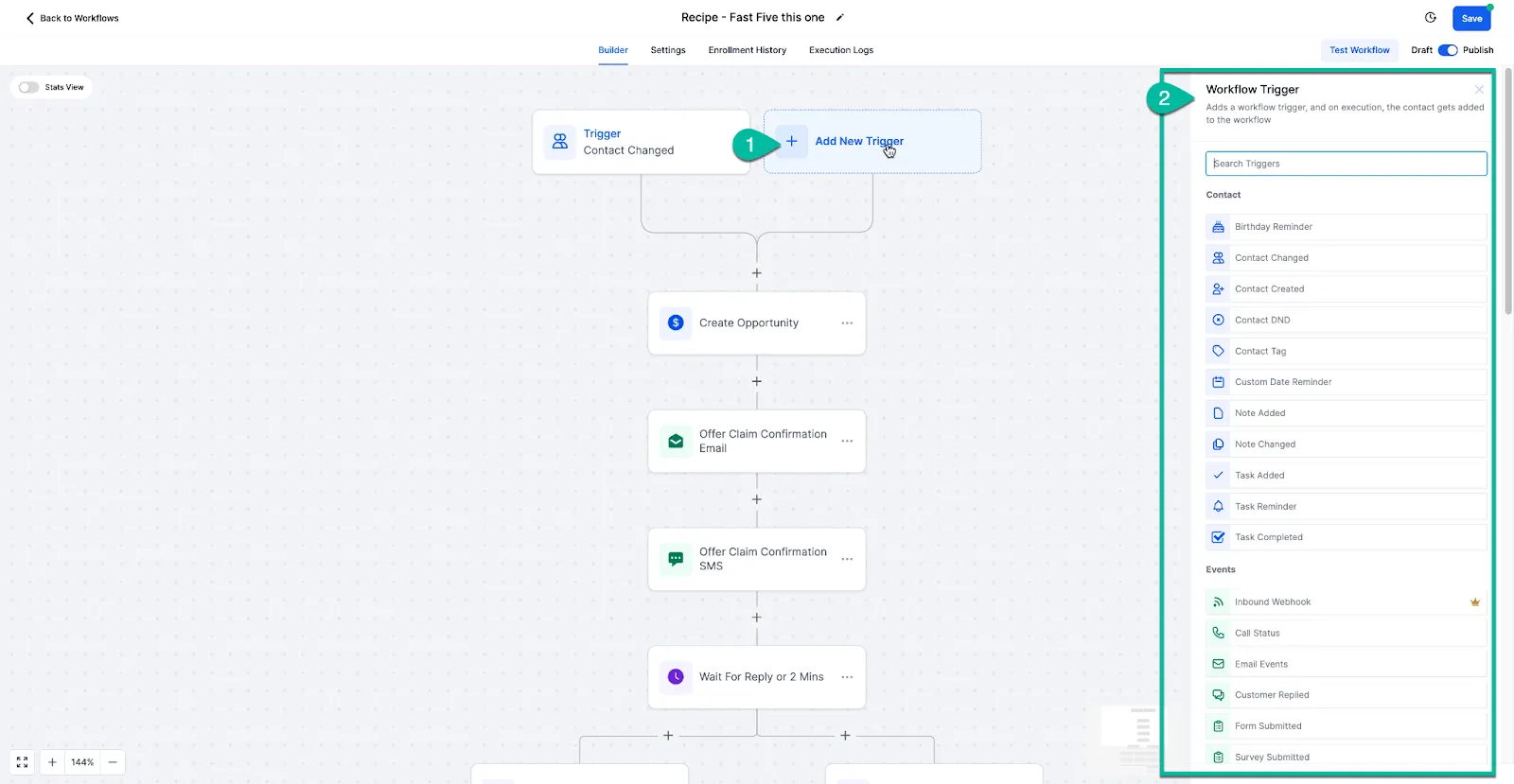
Section titled “The whole concept in one sentence”A workflow is a sentence: WHEN this happens, DO these things.
- WHEN a call is missed, DO send a text.
- WHEN a form is submitted, DO create a contact, notify me, send a hello.
- WHEN an appointment completes, DO wait three hours, then ask for a review.
Trigger, then actions. Every automation you’ll ever see or build is that sentence wearing different clothes.
Build one: new enquiry to pipeline card
Section titled “Build one: new enquiry to pipeline card”This workflow answers your enquiry form instantly and puts every new lead on your pipeline board — the natural next step once your form is live.
-
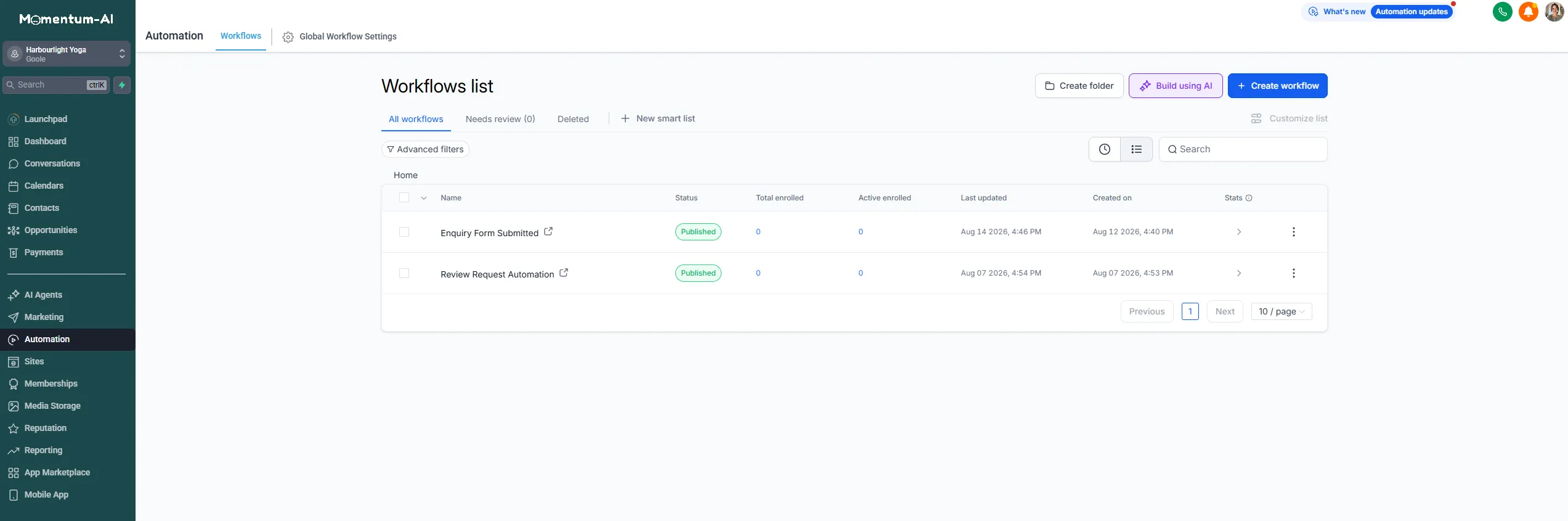
Go to Automations and create a new workflow.
-
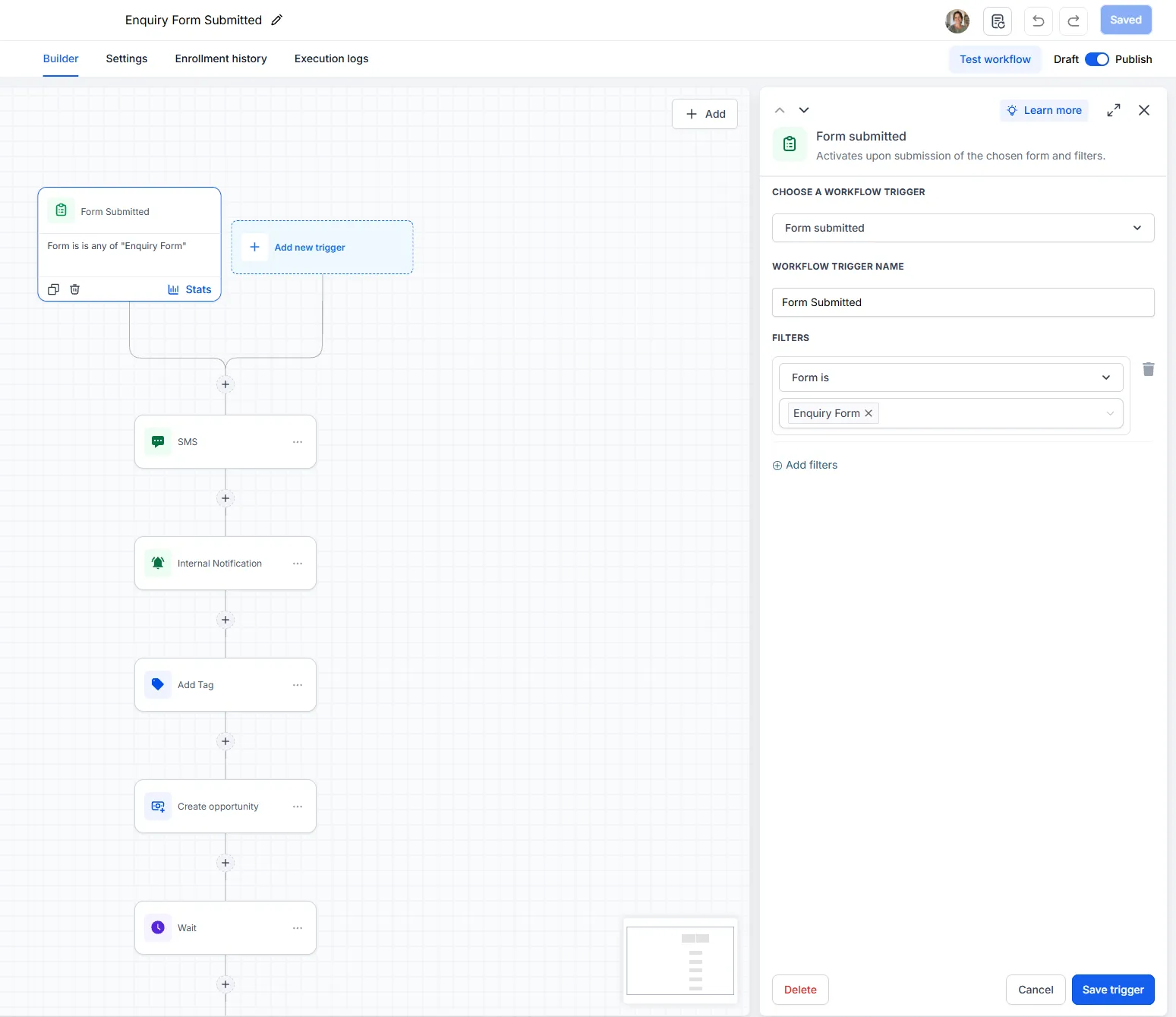
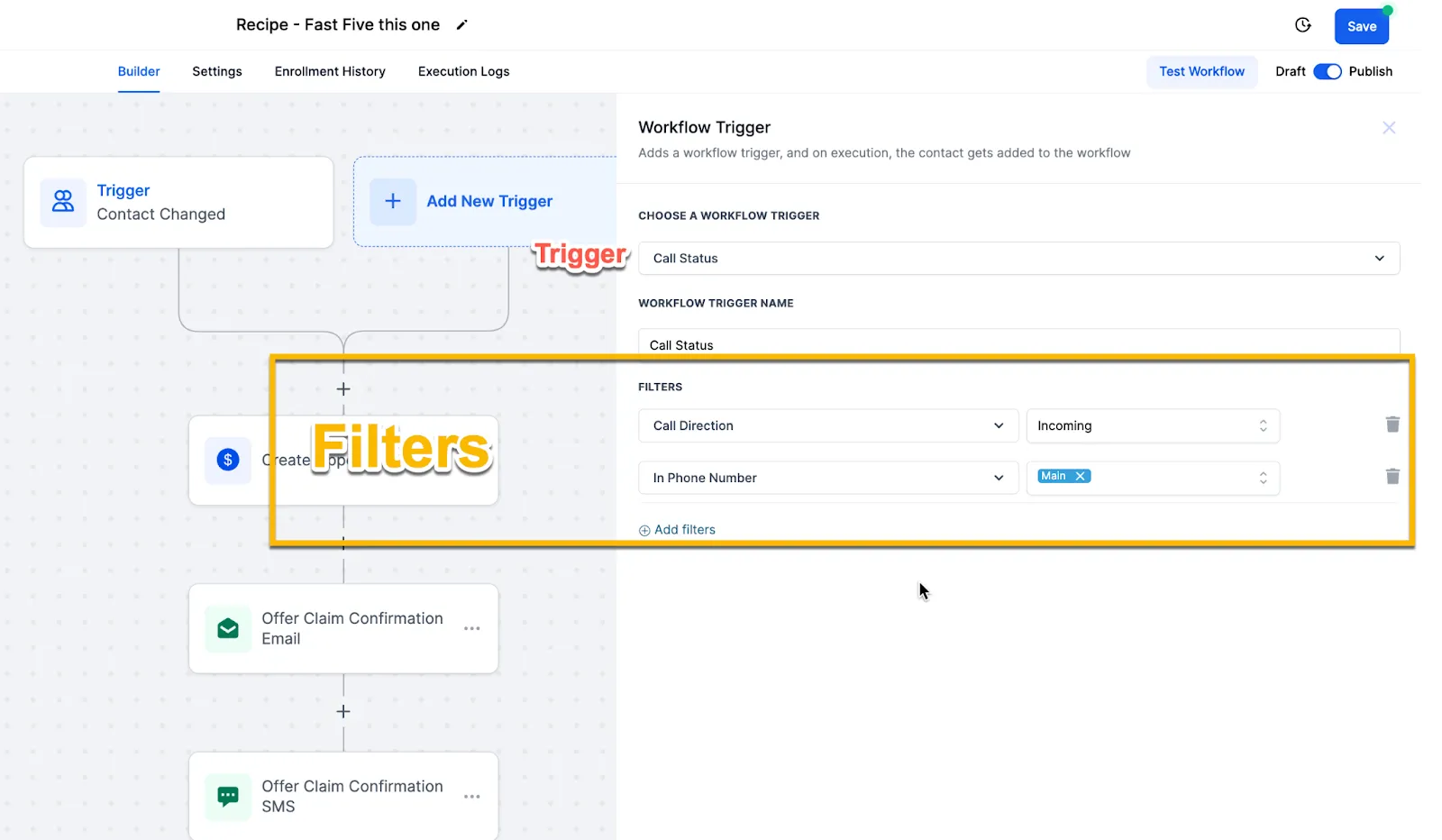
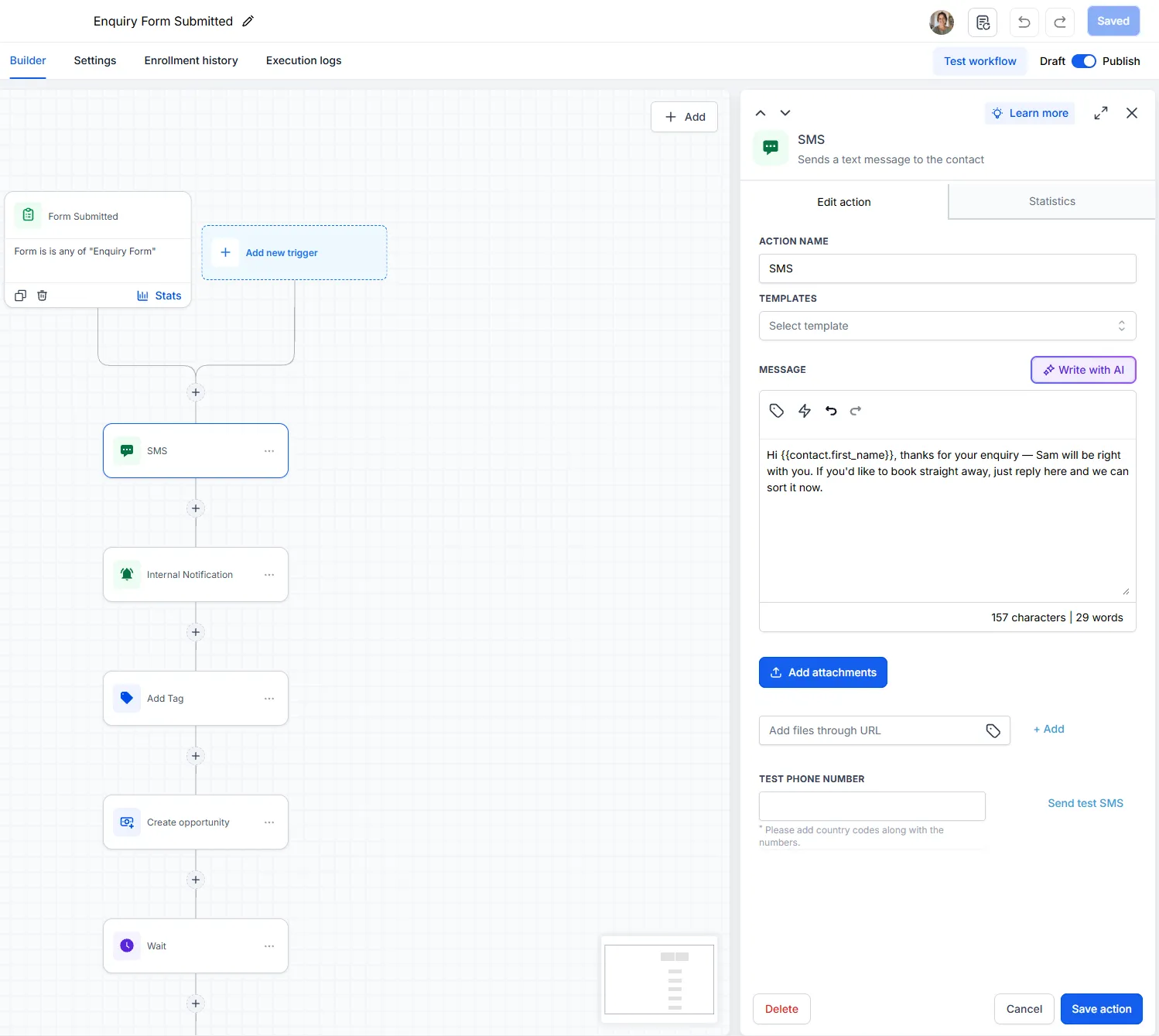
Trigger: form submitted — pick your enquiry form.
-
Action — send SMS, instantly, because speed is the whole game. Something like: “Hi {{contact.first_name}}, thanks for your enquiry — we’ll be right with you. If you’d like to book straight away, just reply here and we can sort it now.” That last line is doing the real work: a text that only says “we’ll be in touch” ends the conversation, while a text that offers something gets replies. And the second they reply, they’re in a conversation, so your Conversation AI takes it from there.
-
Action — notify me in the mobile app.
-
Action — add a tag recording the source.
-
Action — create a pipeline card in the first column of your board.
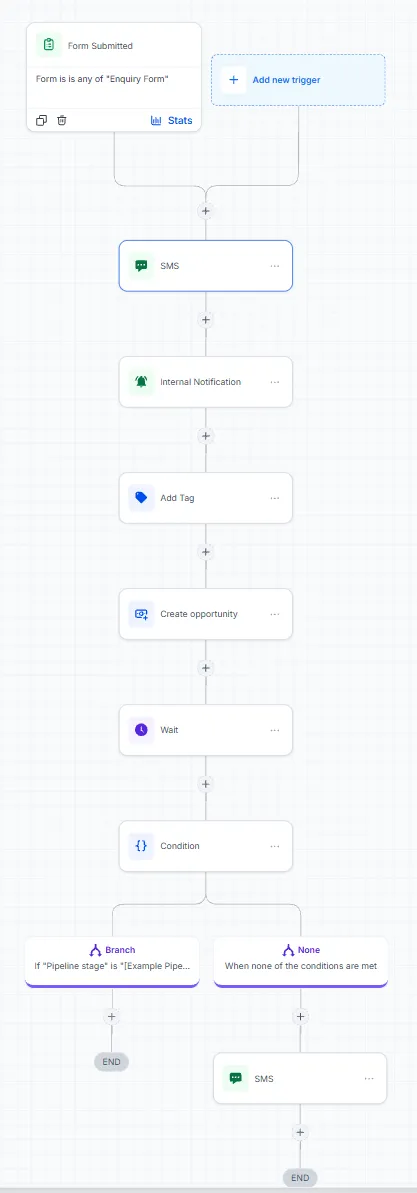
Read it back and it’s just the sentence: when a form comes in, greet them, tell me, label them, put them on the board.
Publish it — this is the step people forget
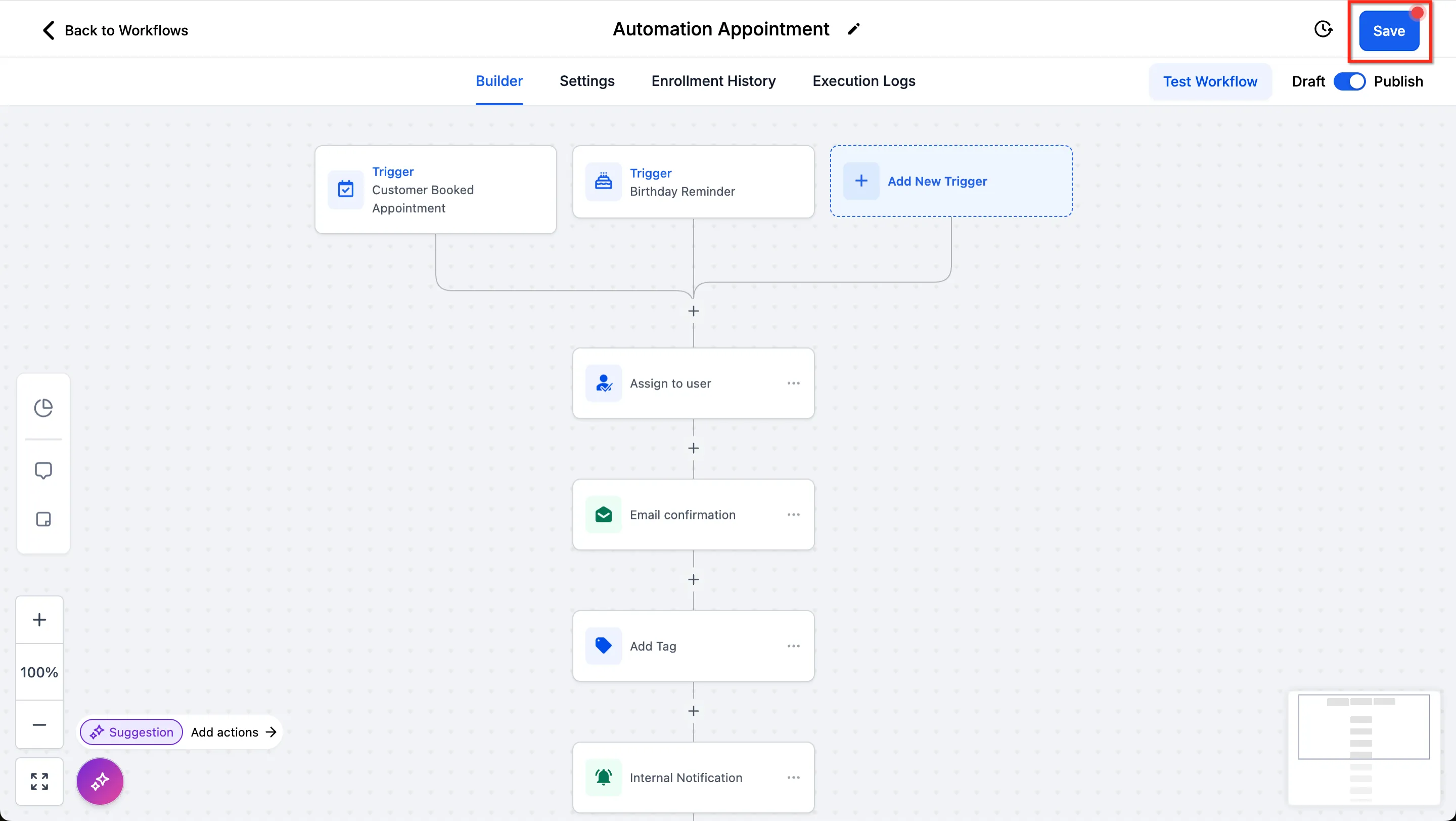
Section titled “Publish it — this is the step people forget”A workflow left in draft, or switched off, does nothing at all. When the build looks right, publish it. From that moment your board feeds itself, and the instant reply goes out to every submission without you touching anything.
The automations already in your account
Section titled “The automations already in your account”Open Automations and look at the list — anything you’ve built or switched on shows there, and each one reads back as the same WHEN/DO sentence.
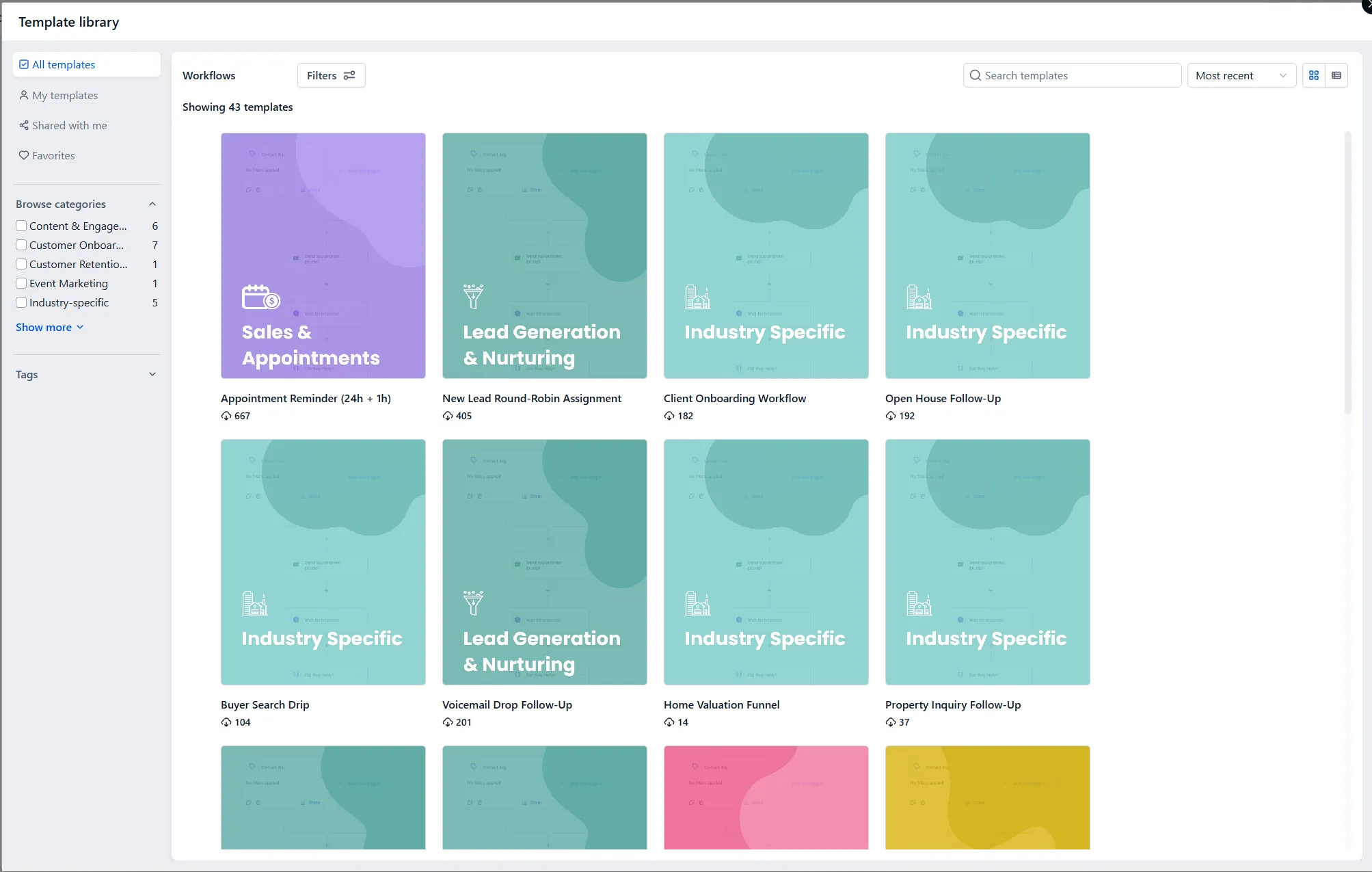
Some of what’s running for you doesn’t appear on this list at all, because it lives with the feature it belongs to: your appointment reminders sit with your calendars, Missed-Call Text-Back sits with your phone number, and your AI’s booking behaviour sits with the agent. Different homes, same sentence underneath. And when you create a new workflow, you may be offered ready-made recipes — common jobs already wired up. Picking the nearest one and changing the words is a much smaller job than building from scratch.
Your first self-build: the stale-opportunity reminder
Section titled “Your first self-build: the stale-opportunity reminder”In a few weeks you’ll catch yourself doing some manual thing for the third time and think: that’s a WHEN and a DO. Trust the instinct. Here’s one worth having early:
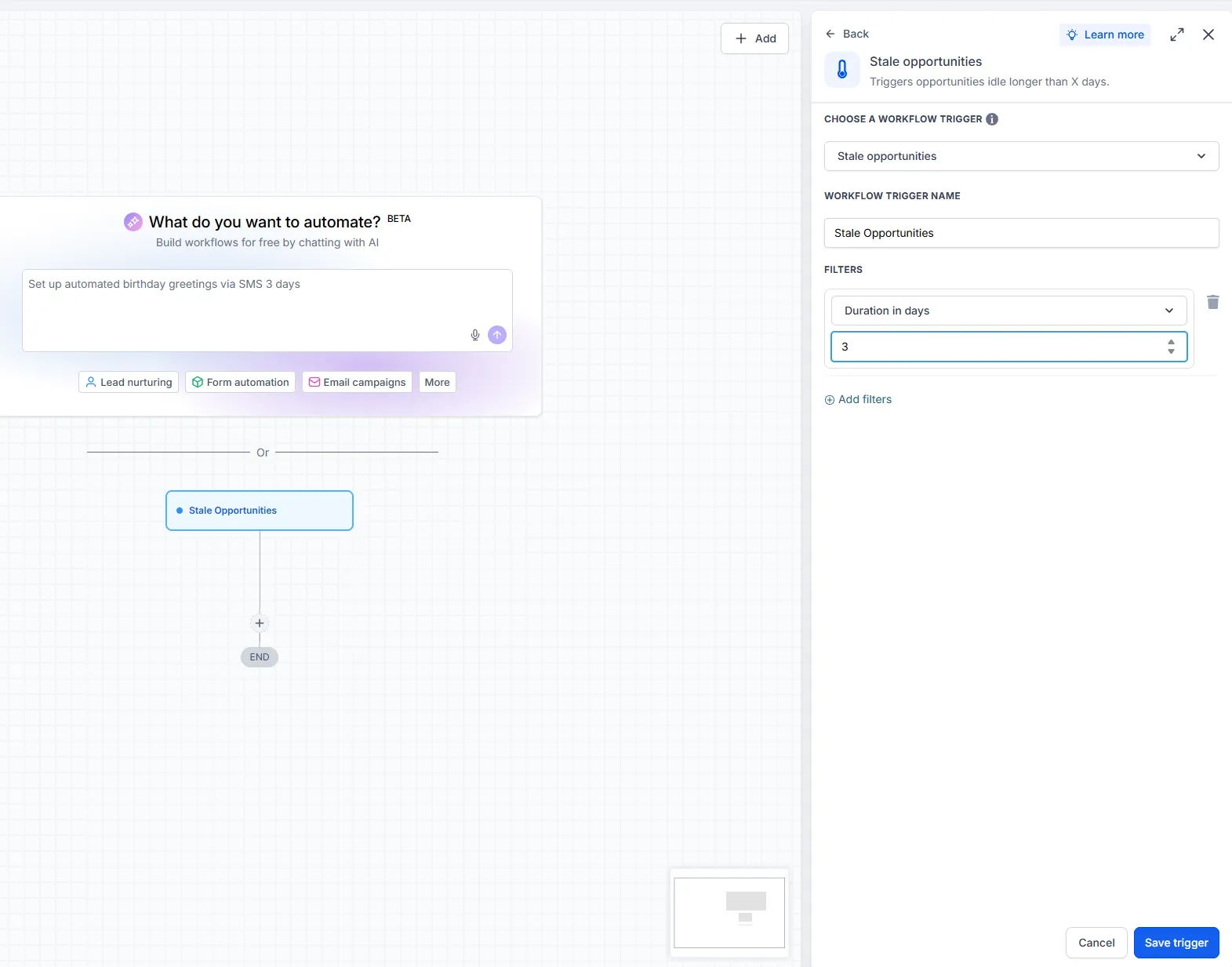
WHEN a pipeline card sits unmoved for four days, DO notify me.
There’s a trigger called stale opportunities that does exactly this. It replaces the daily stale-card check on your pipeline — the board taps you on the shoulder instead of waiting for you to look.
Two rules for every workflow you build:
- Build it simple first. Trigger, two or three actions, published and running. Add cleverness only once the simple version has worked for a fortnight.
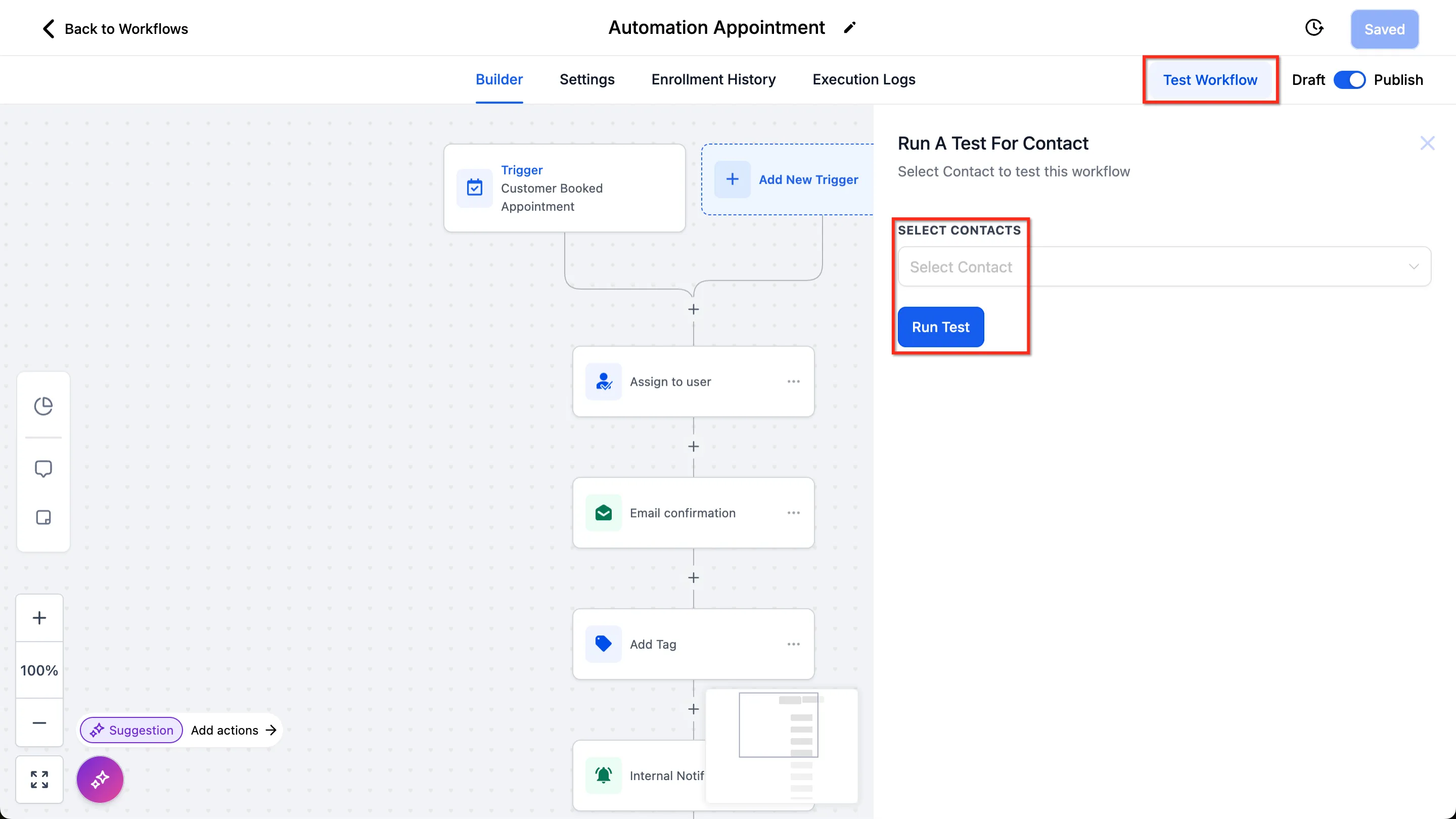
- Test on yourself. Run your own number through it and receive what customers would receive. Ten minutes of testing has saved more reputations than any feature in the platform.
If you dream up something beyond your comfort, contact support — describe the sentence, WHEN this, DO that, and we’ll help you wire it.